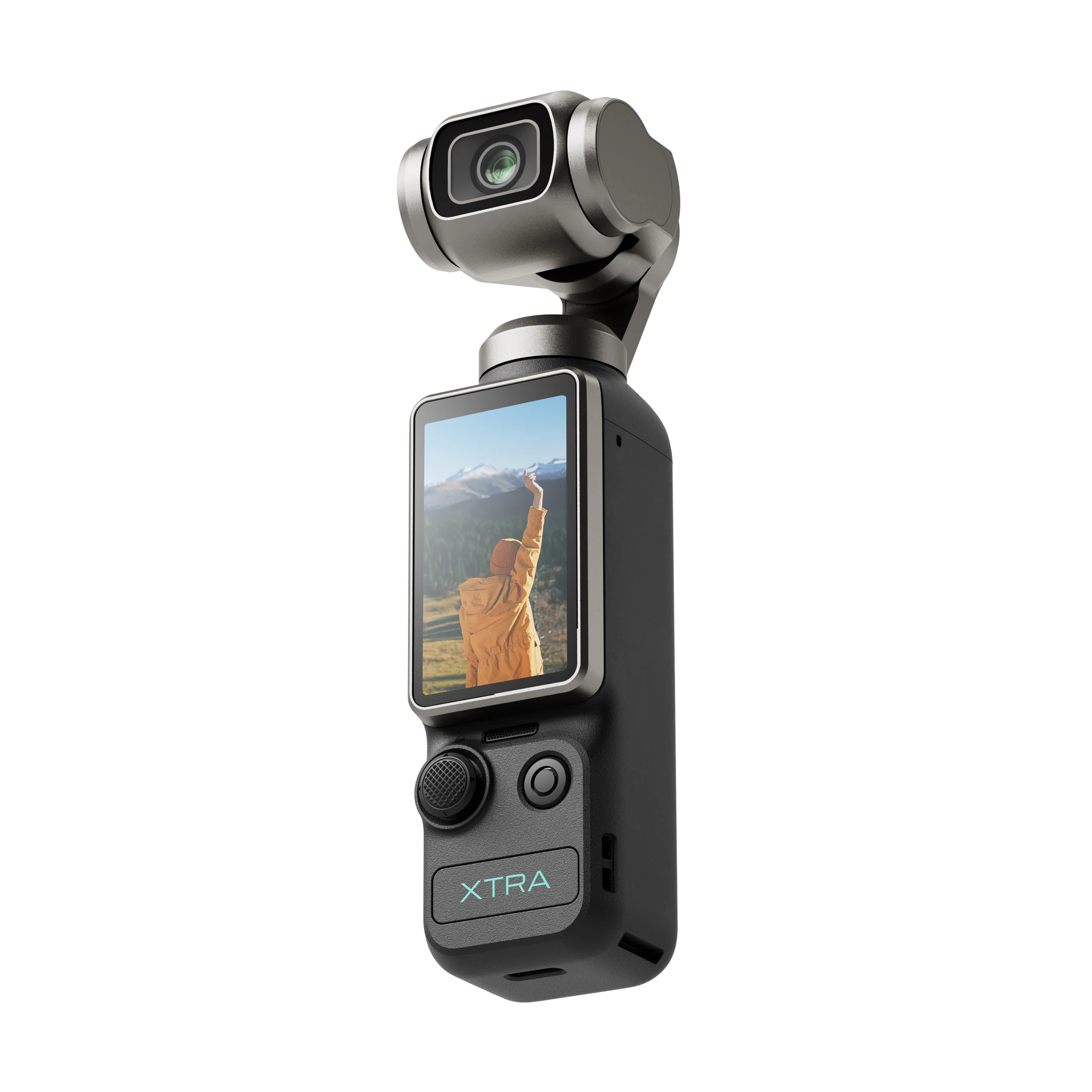
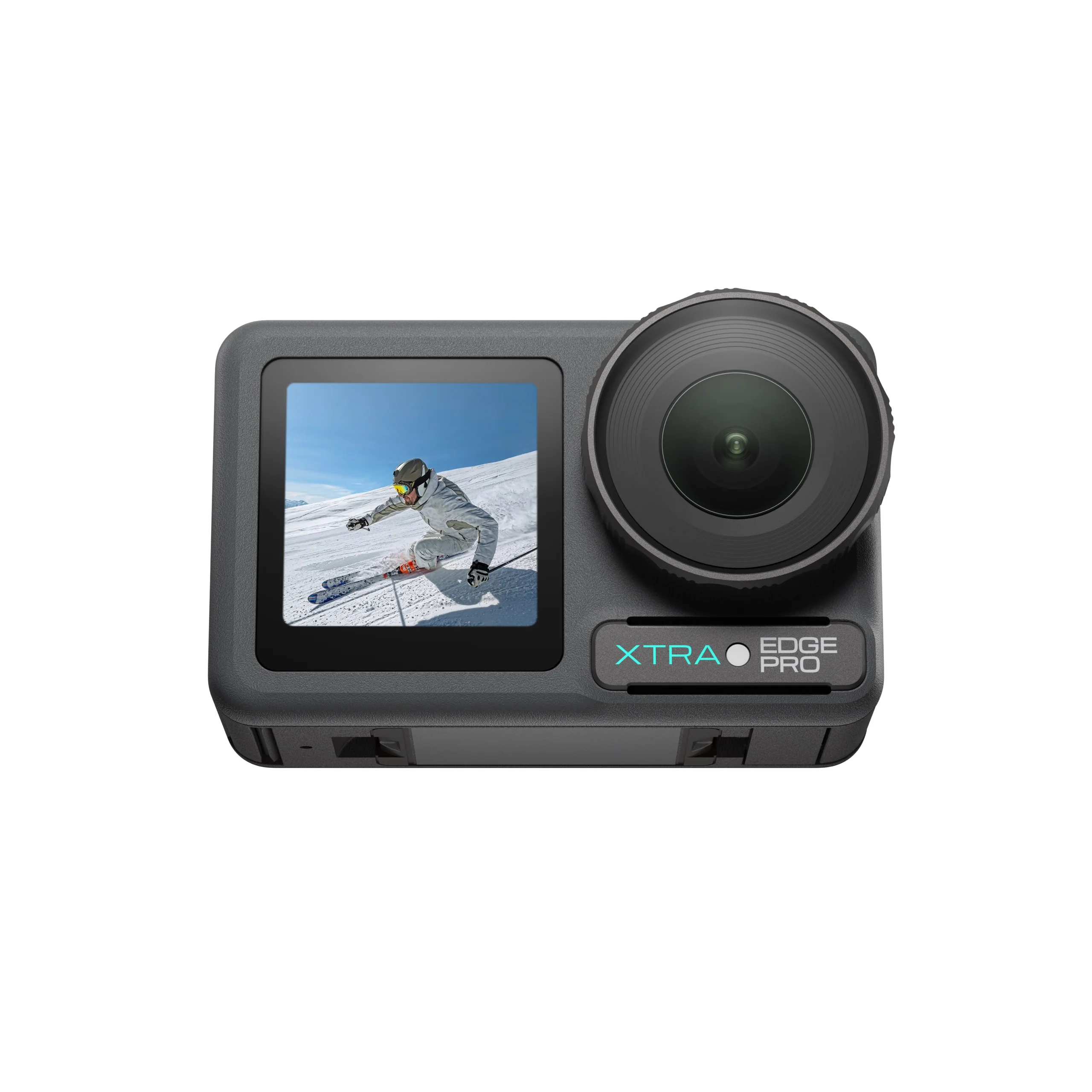
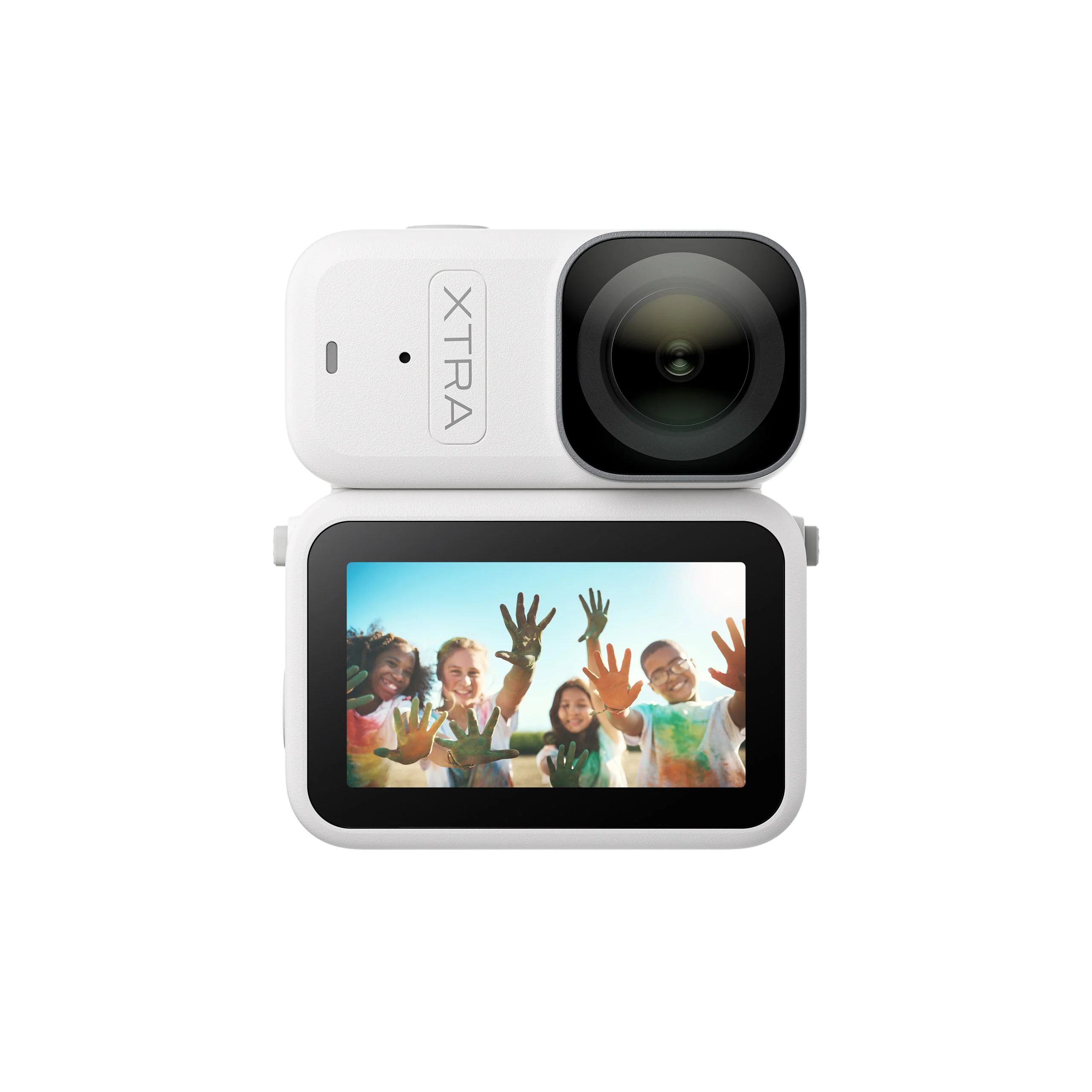
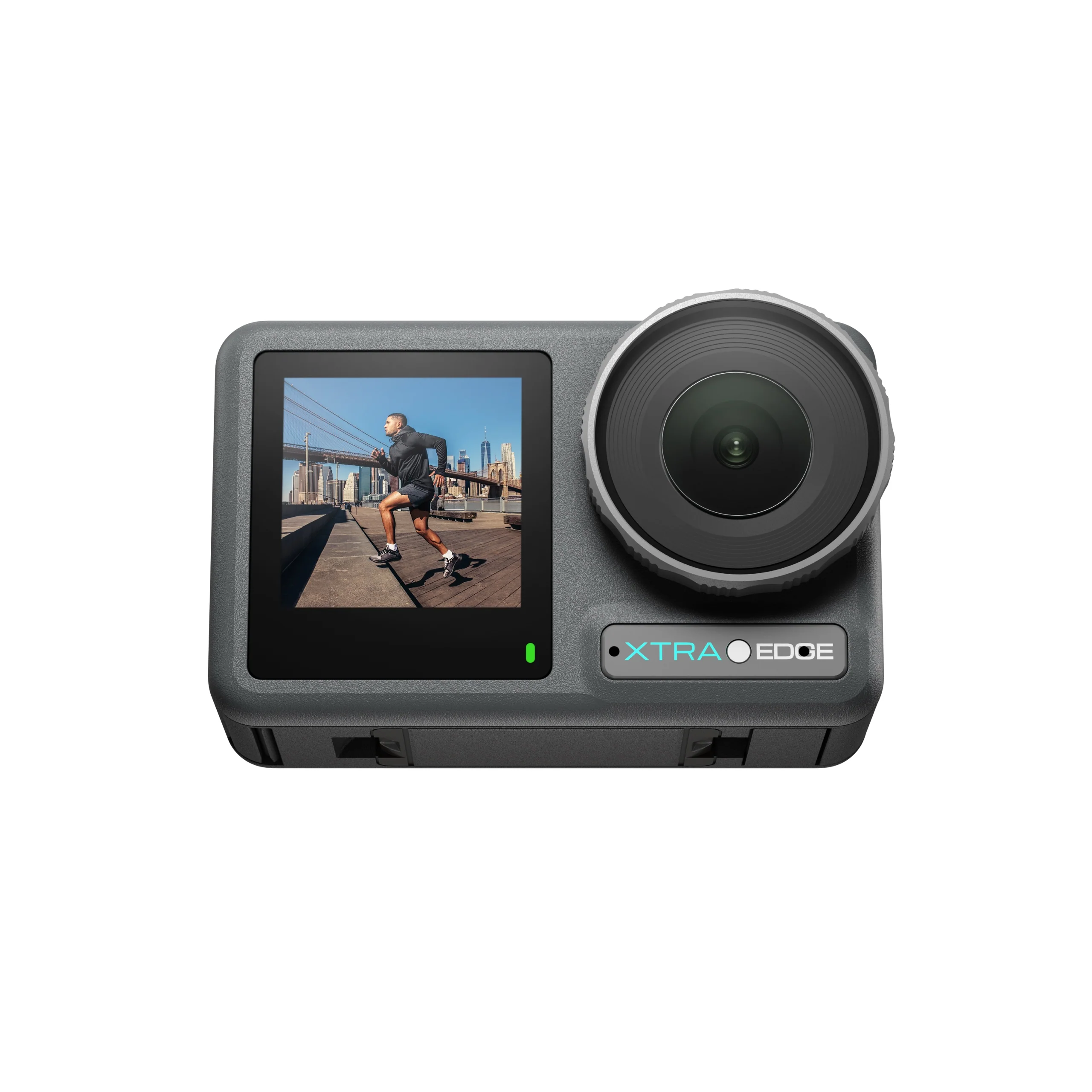
Product Downloads
LUTs, user manuals, and tutorials organized by camera model.
FAQ
Android users should use the Xtra App. iOS users should use the Xtra Tech App. Please search for the correct app name in your device's app store.
You can download it in two ways: search the app name directly in the Apple App Store or Google Play Store, or visit the download page for your product on the Xtra website.
At this time, our products and apps are primarily intended for the U.S. market. If you are unable to download the app from the U.S. Google Play Store, we recommend using the official website or the official U.S. app store version. Direct APK links are not currently provided.
Visit the Xtra website, go to the Downloads page, and select Product Downloads to download the product manual.
Visit the relevant product page on the Xtra website and look for Tutorials Video in the download or tutorial section. Then select the product you need, such as Xtra Muse, Xtra Edge, or Xtra Edge Pro.
Firmware updates are typically completed through the Xtra App or Xtra Tech App. When a new firmware version is available, the app will prompt you to update. Before updating, make sure the device has sufficient battery power and stays connected to the app throughout the process.